
Enterprise APIs
Enterprise Portal APIs
Before redirecting the user to the IDV flow, the enterprise portal must:
GET https://<GM-API-SERVER-IP>:9442/v1/users/{<userId>}- Checks if user exists and fetches their status.
To enroll the user in the Ditto ID system if it is not present. While calling this API pass‘preferredStatus’ as ‘ONBOARDING’ along with other required details.
POST https://<GM-API-SERVER-IP>:9442/v1/users{
"userId": "[email protected]",
"primaryGroup": "default",
"preferredStatus": "ONBOARDING"
}To generate IDV web token. This API will return a reference id named as ‘web_session_id’ for the generated IDV web token. Token will be present in the REL_ID system. Pass this id in query string in the step redirect user to IdvWebServer.
POST https://<GMAPI-SERVER-HNIP>:9442/v1/idvWebTokens{
"userId": "[email protected]",
"redirectUrl": "https://yourdomain.com/idv-callback"
}- Returns
web_session_id.
Redirect User
Use the following link for the redirection.
https://<IDV-WEB-SERVER-IP>:8004/IdvWebServer/idvRegistration.htm?token=<web_session_id>Example
Following is the screenshot of registration page of the dummy-ent portal. Once user fill ups the required information dummy-ent portal will perform following,• Check user’s status.• If user not present in the Ditto ID then it will enroll the user. • Generate the IDV Web Token. • Redirect to IdvWebServer.
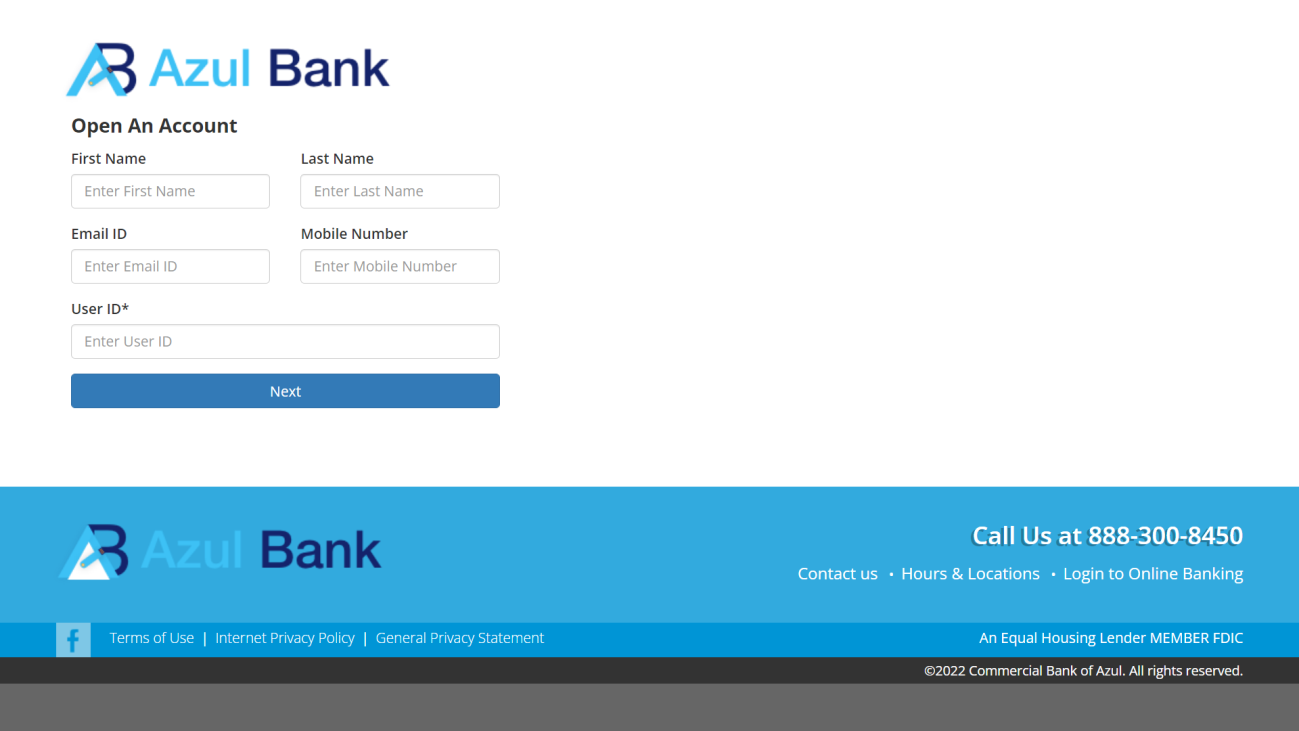
Figure 1. Enterprise Registration Page of dummy-ent
Updated 4 months ago